> For the complete documentation index, see [llms.txt](https://help.tinygoliath.io/llms.txt). Markdown versions of documentation pages are available by appending `.md` to page URLs; this page is available as [Markdown](https://help.tinygoliath.io/apps/amazon-fulfillment-for-shopify/settings/connect-your-account.md).
# Connect Your Account
### Connecting your Amazon account
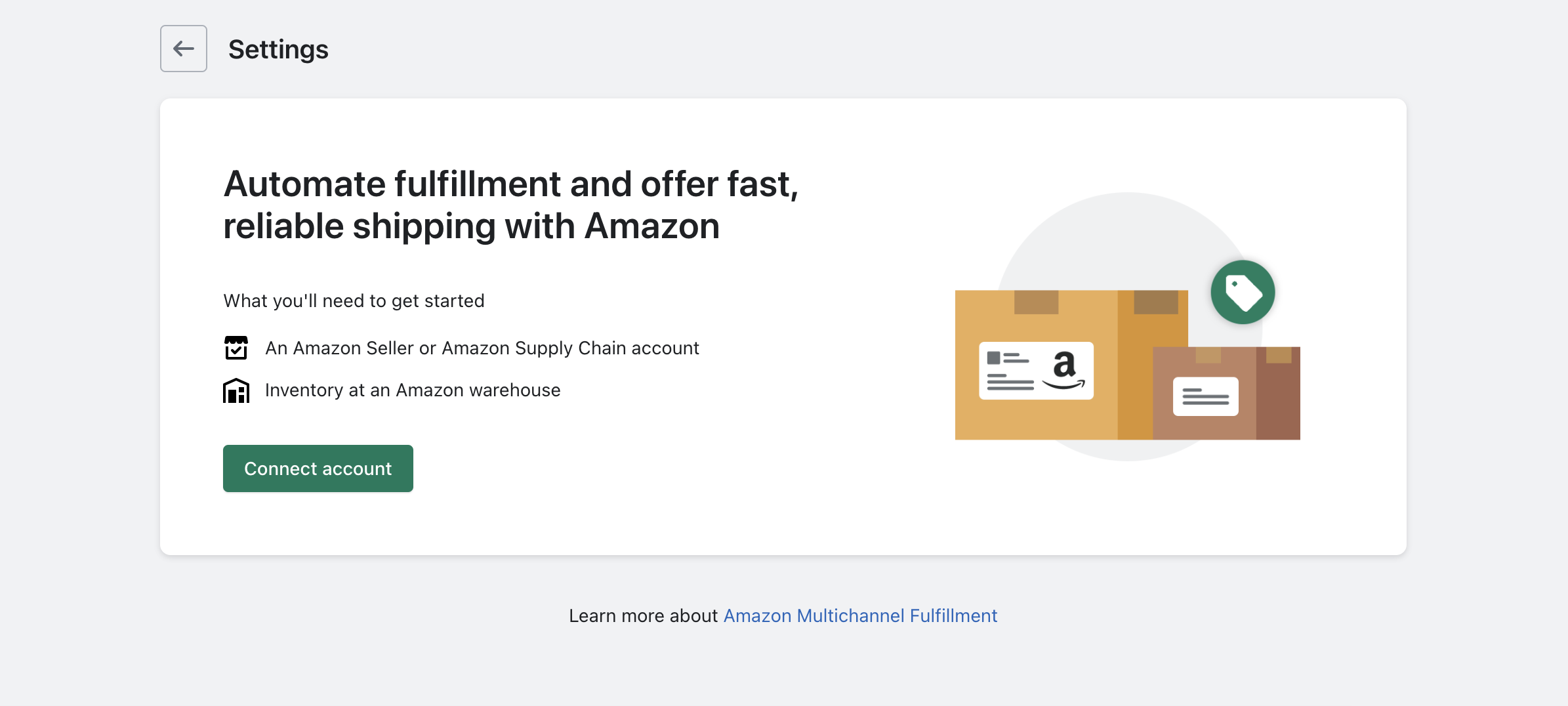
Start by connecting your Amazon account from the settings page in Shopify
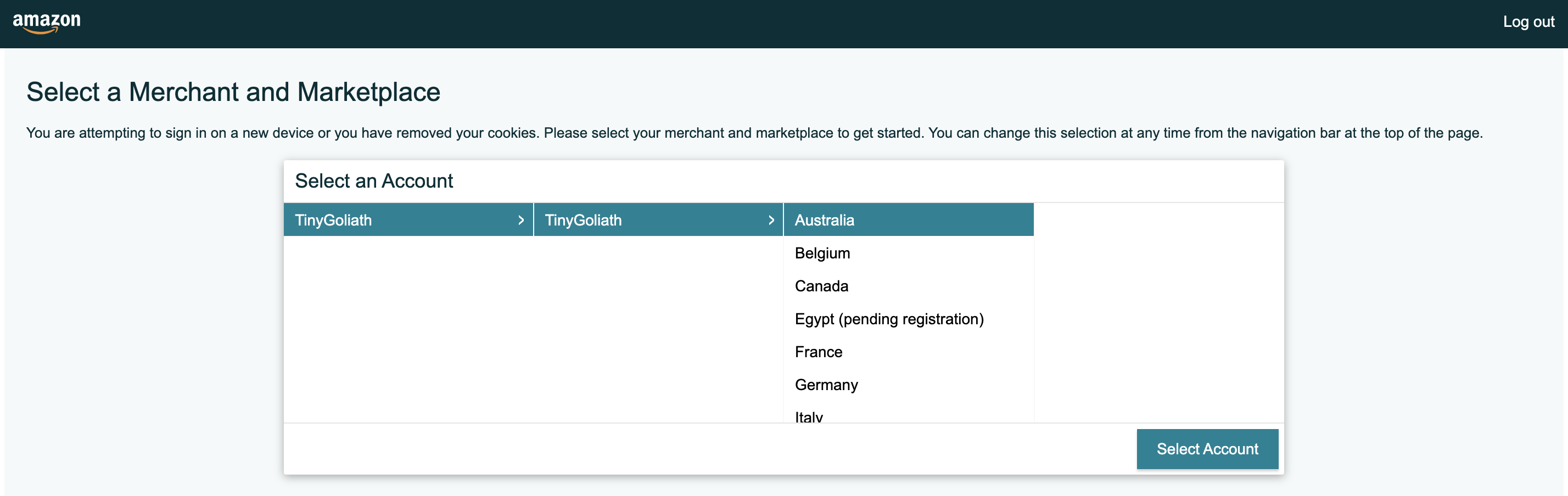
A pop-up window will appear. Log into your Amazon account.
{% hint style="warning" %}
**Pop up window**
If the pop-up window does not appear, ensure you have enabled pop-ups for Shopify.
{% endhint %}
Choose the marketplace you wish to ship from
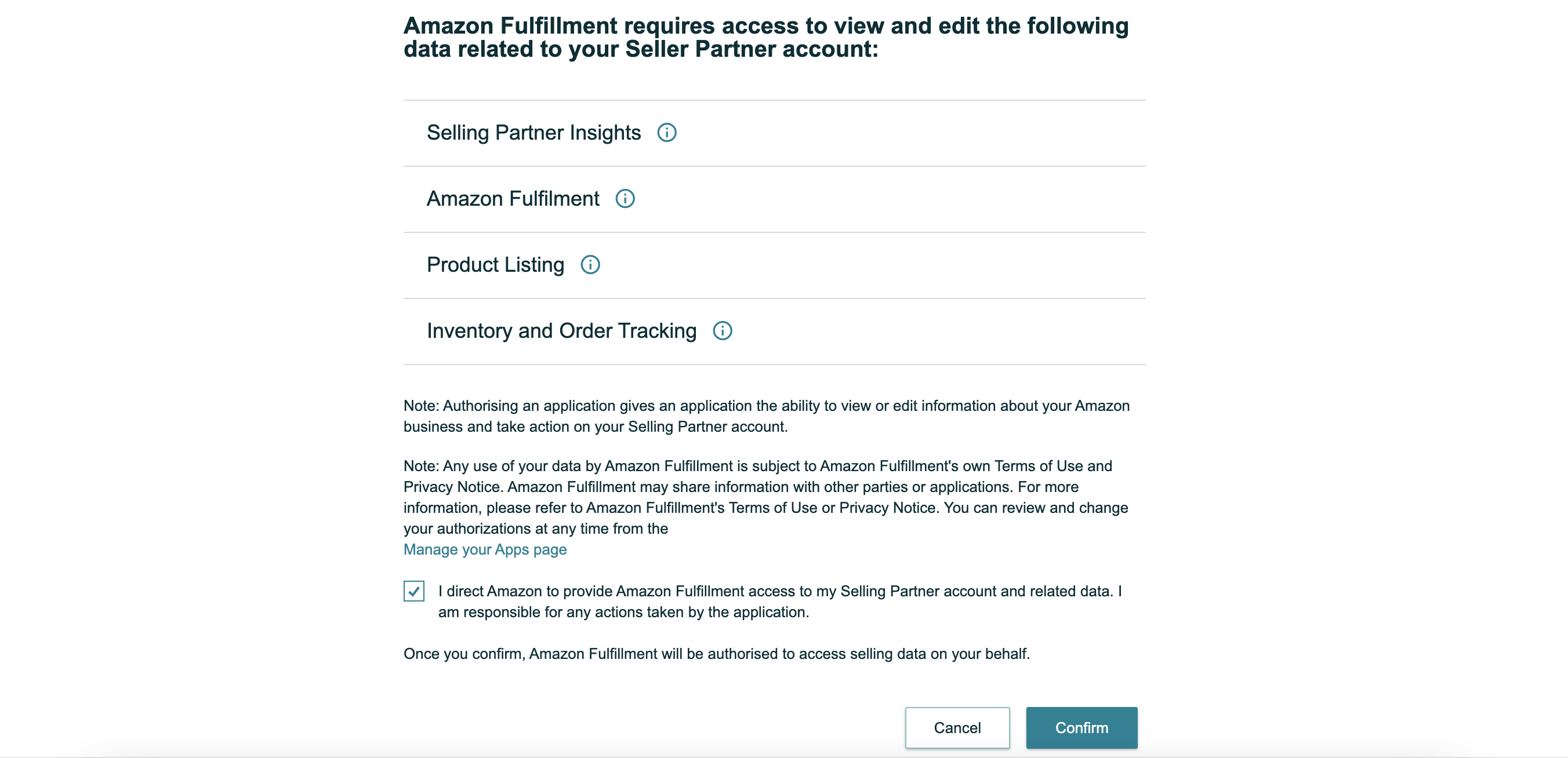
Authorize the app and click confirm
You'll be redirected back to Shopify once your Amazon account has been connected.
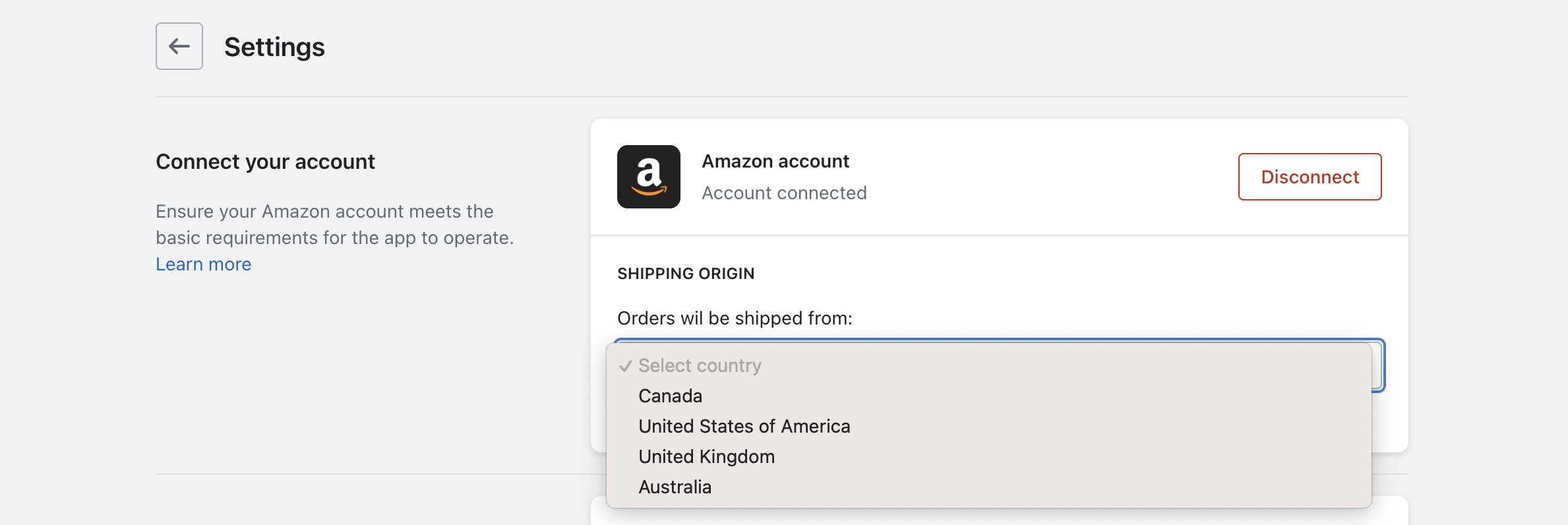
### Shipping origin (marketplace)
Choose the country/region you would like to ship from. This will be the same as the Amazon marketplace selected when connecting your account.
{% hint style="warning" %}
**Changing shipping origin (marketplace)**
To change the country/region after it has been selected, you will need to disconnect and reconnect your Amazon account.
{% endhint %}