> For the complete documentation index, see [llms.txt](https://help.tinygoliath.io/llms.txt). Markdown versions of documentation pages are available by appending `.md` to page URLs; this page is available as [Markdown](https://help.tinygoliath.io/apps/amazon-fulfillment-for-shopify/product-linking.md).
# Product Linking
Link your product SKUs with your Amazon SKUs for order fulfillment and inventory syncing.
### Apply inventory to your products
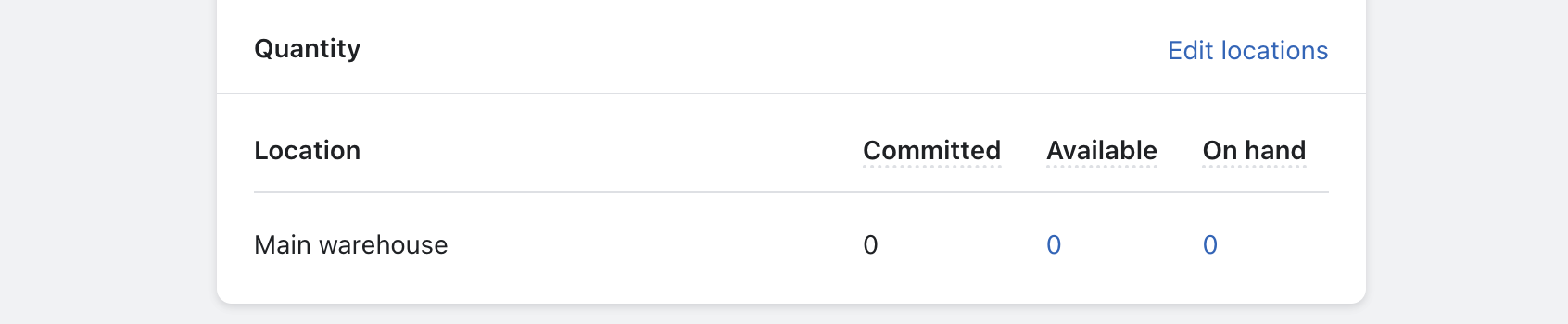
Before linking, first, add inventory to the products that will be fulfilled by Amazon. Navigate to the products you wish to link.
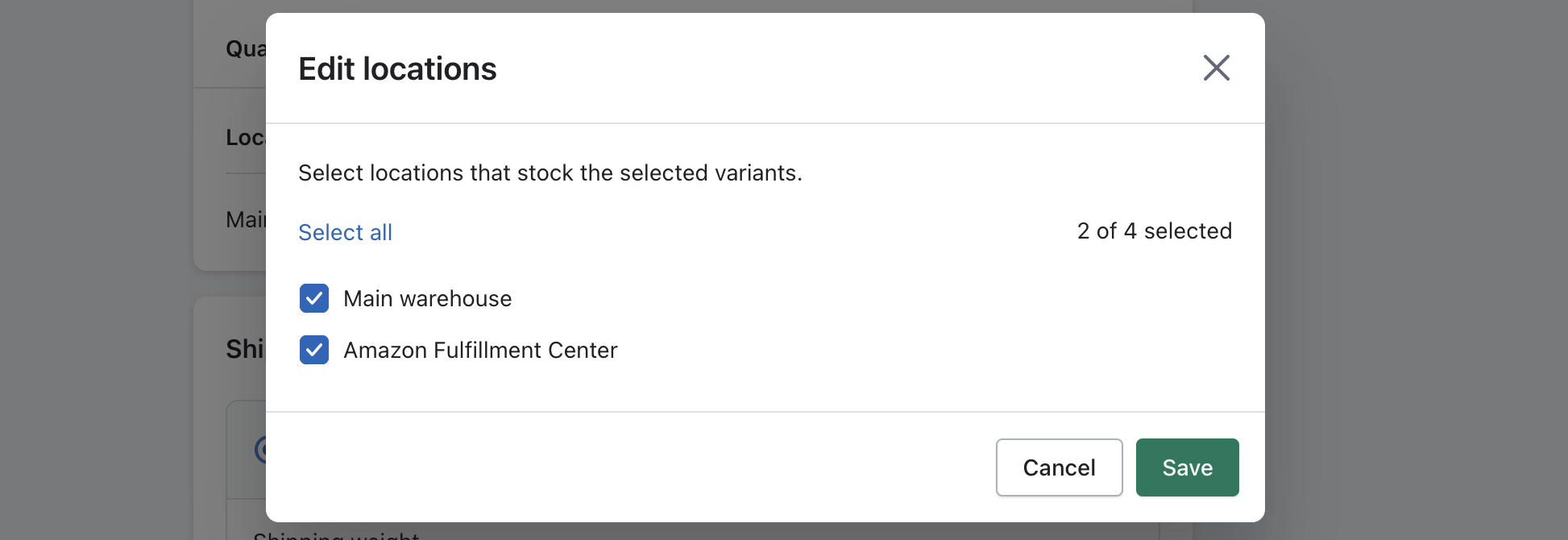
1. Click on "Edit locations"
2. Select the "Amazon Fulfillment Center" location
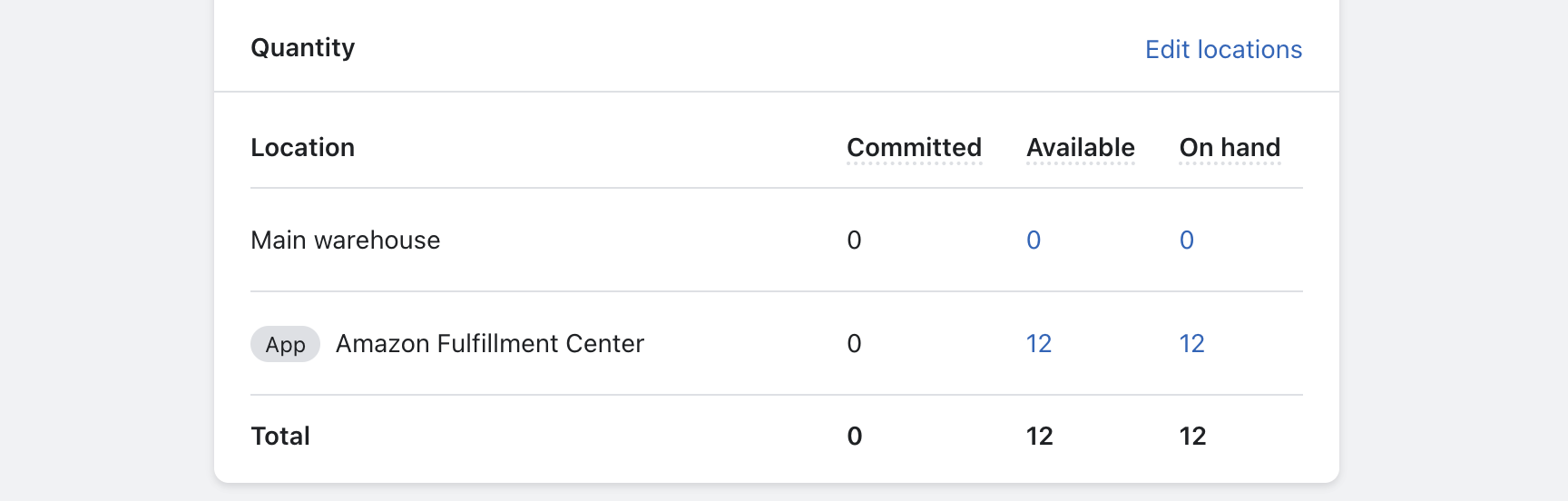
3. Add inventory to the "Amazon Fulfillment Center" location
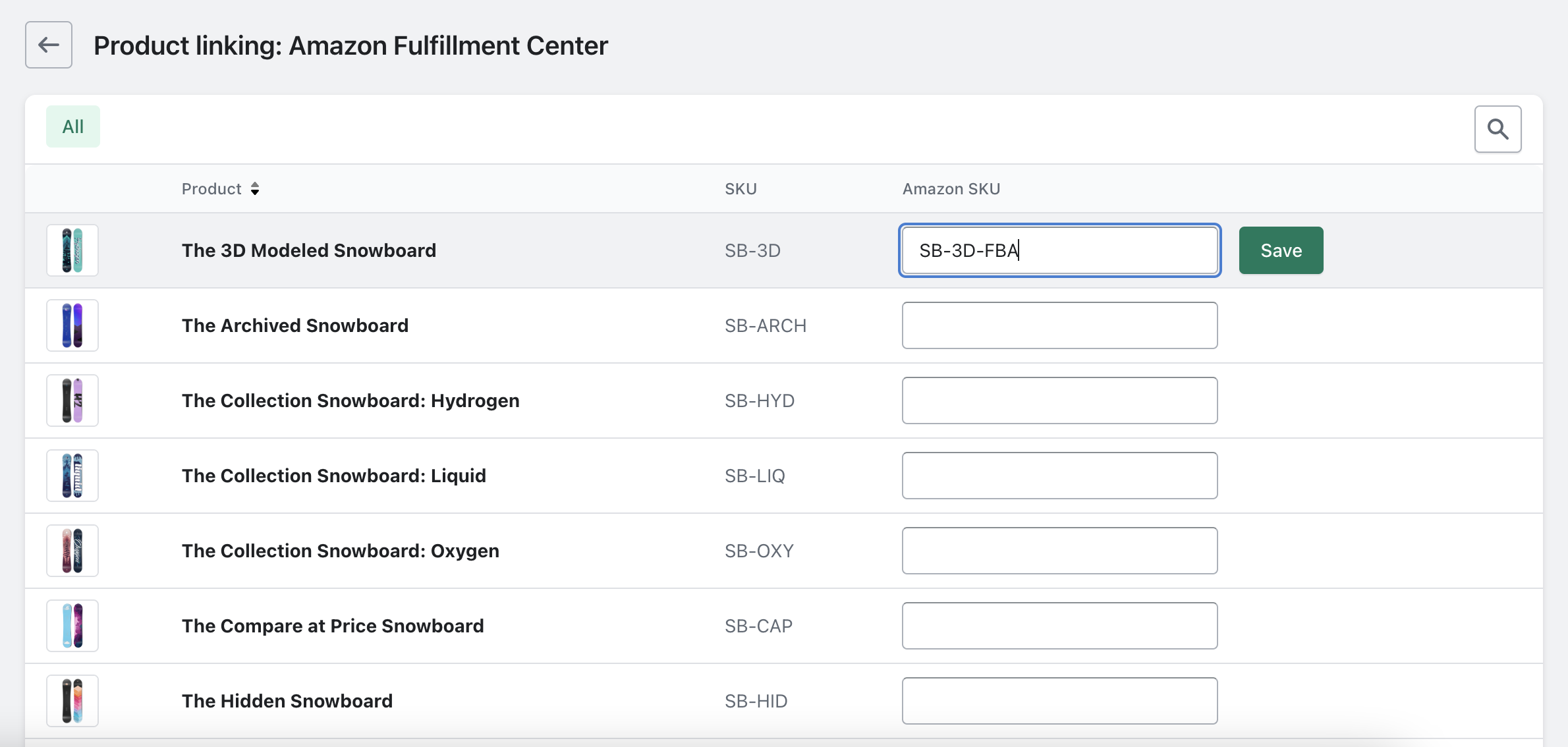
4. Products with inventory assigned to the "Amazon Fulfillment Center" location will now appear on the product linking page of the app.
### Link your product SKUs
Add your Amazon SKUs to the associated products and save.